Do Diligence. Anywhere.
The MOBILE Choice for Environmental Due Diligence
ERIS Mobile is the most powerful way to conduct environmental due diligence on-site.
And the most powerful way to retrieve and collect data on the go.


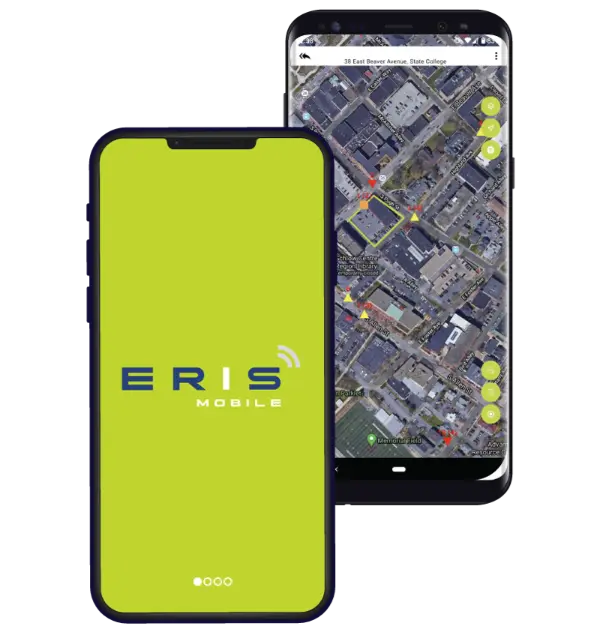
The industry’s fully integrated Mobile App. Your Fieldwork Power Tool!
Site visits are easier with our game-changing Mobile App. Did you know you can view, search, collect, and upload project data – all on-site?
Streamline your site assessment workflow – for any type of project.
Get on board!
Request your ERIS account, contact us and we’ll get you started.Streamline Work
from Field to Office
Save time and add efficiency to field data collection with our connected systems. ERIS platforms including our Mobile App, ERIS Xplorer, Figure Creator, Scriva report writing platform, and the My Orders Dashboard all sync together.
Your login credentials for the ERIS Mobile App are the same as your access to the ERIS or the Scriva dashboards.
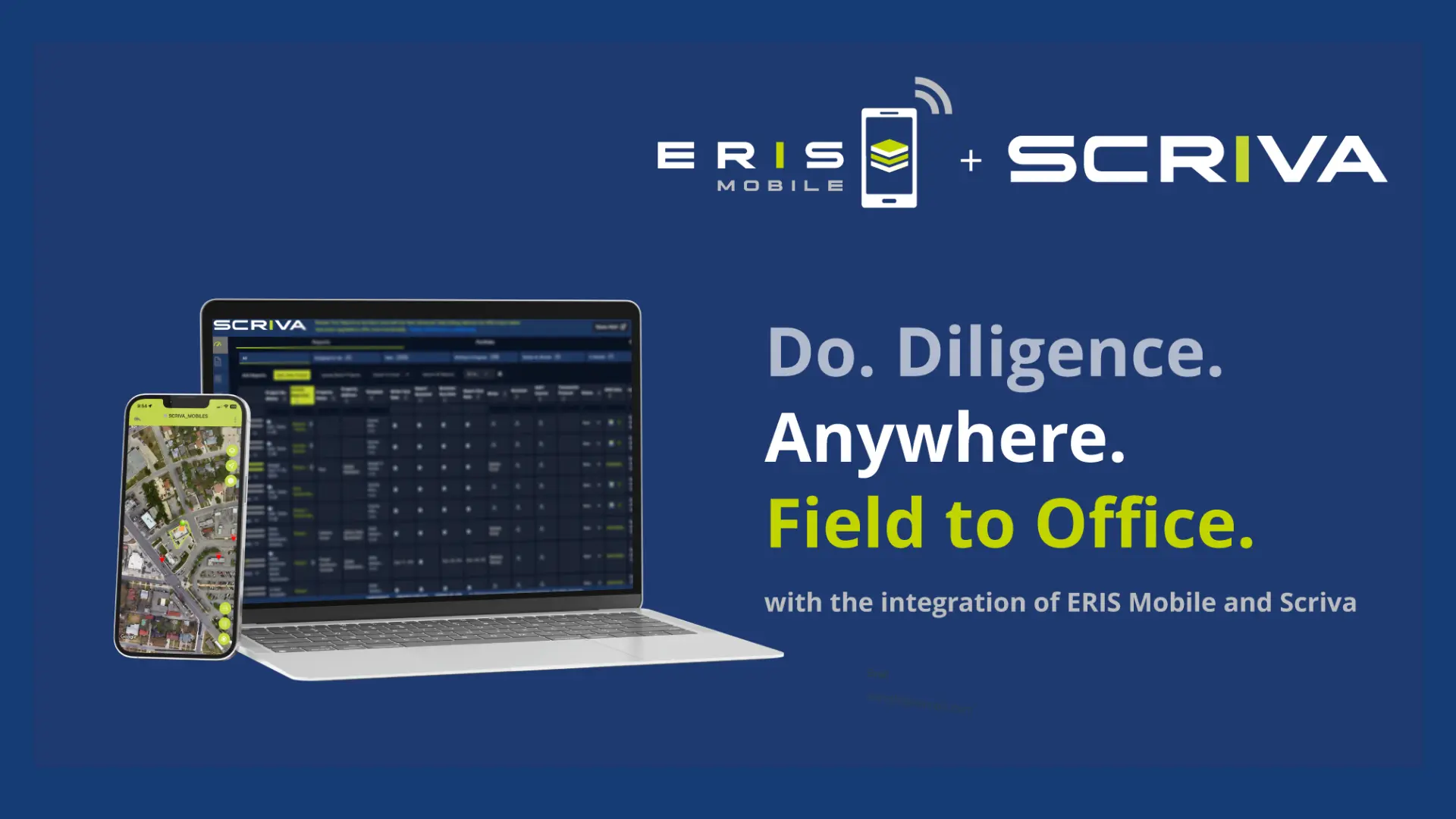
Exceptional Property Risk Assessment. On the Go.

Sync All Systems
Your data seamlessly syncs across all our platforms:
From Mobile App, ERIS Xplorer, Figure Creator, SCRIVA report writing platform, and the My Orders Dashboard.

Access & Collect Data
The convenience of having full data on-site – records and historical images.
Access your orders or create new projects on the fly to gather information.

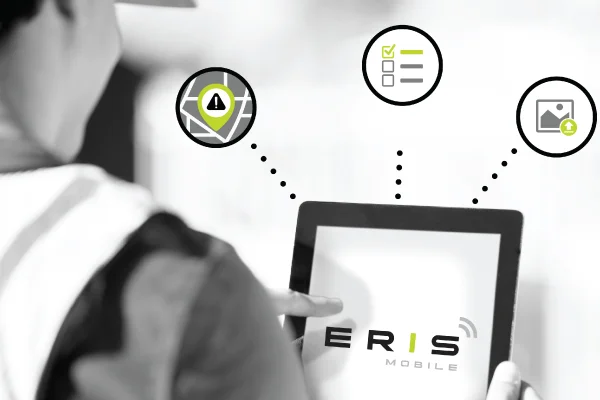
See Historical Imagery Layers
See imagery and map layers of your current location.
Compare satellite, terrain, hybrid views, and historical images, just like you can in ERIS Xplorer.

Capture Photos
Upload multiple photos at once.
Photos taken using your device’s camera will auto-detect navigation directions in the app.

Add Photo Captions
Easily add captions or descriptions to your photos while on-site.
You can even just dictate them using voice-to-text.

Access Checklists
Complete checklists in real time.
Access ERIS standard and any custom checklists you have set up—even for the same project.

Manage Contractors
Assign contractors to specific projects.
They can only access projects you assign them in both mobile and desktop applications.

Request More Information
Complete the following form and an ERIS Representative will contact you shortly.