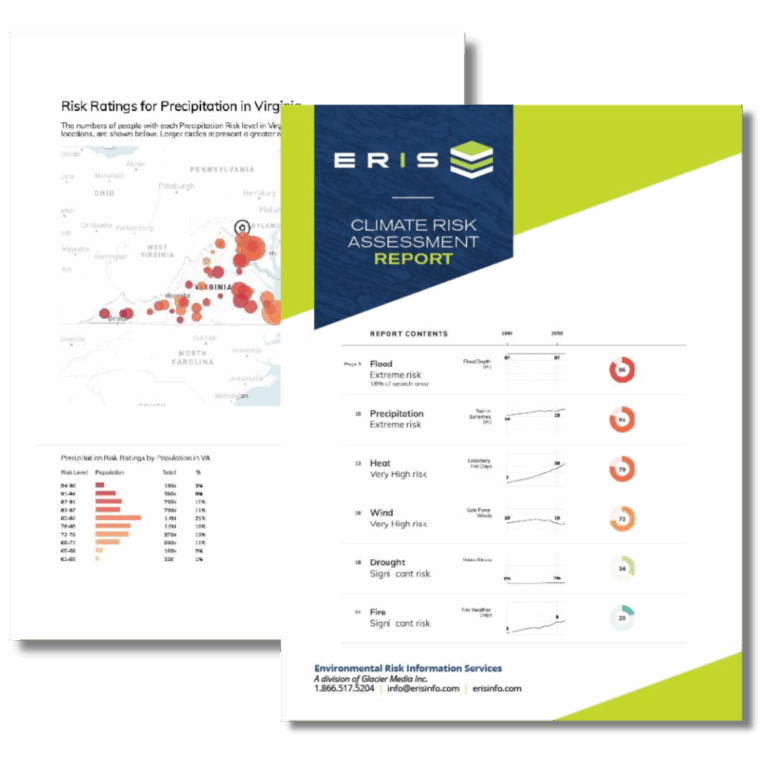

Xplorer is an innovative and interactive tool that optimizes work efficiency.
It enables analysis, layering and presentation of data and information. Xplorer integrates Database Reports, Topographic Maps, Aerial Photos, Fire Insurance Maps, the Physical Setting Report, and now, City Directories. Built-in features and tools provide address search, data filtering, measurement, customization, collaboration functionality, and ERIS’ Figure Creator tool, which can generate figures and photo logs. Also, ERIS Mobile seamlessly integrates your site visit findings to Xplorer for analysis and reporting. Xplorer accommodates custom large-area and linear reports for efficient review and analysis.
Key Features

Want to learn more about ERIS Xplorer?
Connect with us to get more information about ERIS Xplorer or any other of our products and services for environmental due diligence.
The power of layering all in one platform
View the full detail of environmental records for your project site and facilitate analysis using layers of historical imagery, topographic maps and physical setting information.


Quickly create made-to-order, branded Figures and Photo Logs for your environmental due diligence reports. Within Xplorer, just click on the Figure Creator tool, and then you can prepare, crop, annotate, title, customize and save/generate the images you want. Figure Creator has several built-in templates that you can brand with your company logo and then incorporate your customized figures and photo logs.

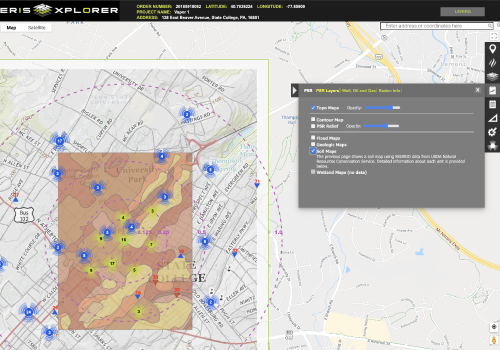
Want a complete set of key environmental information in one tidy package? The Physical Setting Report or PSR saves you time by providing a large set of information about a site and the surrounding area. The report typically includes a complete overview of topography as well as geologic, hydrologic, and soil characteristics, as well as detailed attributes of water wells, oil and gas wells, radon measures, and other important environmental features.

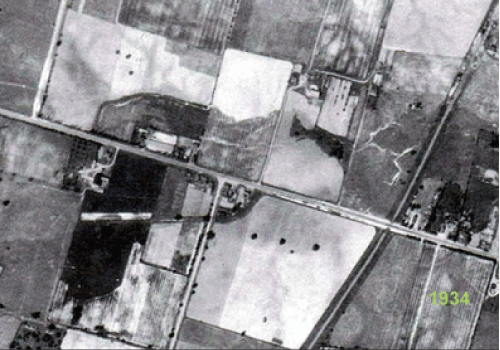
Aerials from ERIS’ National Collection can be acquired for decades from 1920 to 2010. You select the decades and the ERIS Team will select based on the best coverage, quality and scale. Aerials within Xplorer are geo-referenced and therefore, can be layered and viewed as they transition from oldest to the most recent.
Request More Information
Complete the following form and an ERIS Representative will contact you shortly.